

I Made a Free Compass for Android
I’ve been working on something a little different lately, and I’m excited to finally share it. I’ve made a free compass app for Android called Four Points!
Get Four Points on Google Play
Why build a compass app?
A compass is one of those tools that I’m constantly using when I’m out and about. Whether I’m trying to orient myself to a map or trying to determine where the Milky Way will be in the sky, it’s nice to have a compass in my pocket.
There’s no shortage of compass apps available for Android, but I’ve found them to be packed with ads, request unnecessary permissions, or just flat out inaccurate. For something that should be as straightforward as a compass, this is just unacceptable. So, I made my own.
Tip
If you’re new to using a compass in the backcountry, check out my guide to the basics of reading a topographic map.
What it does
Four Points is a simple, no-frills compass. Open it and it points north. That’s really all there is to it, but there are a few extras that I’ve found handy in the field.
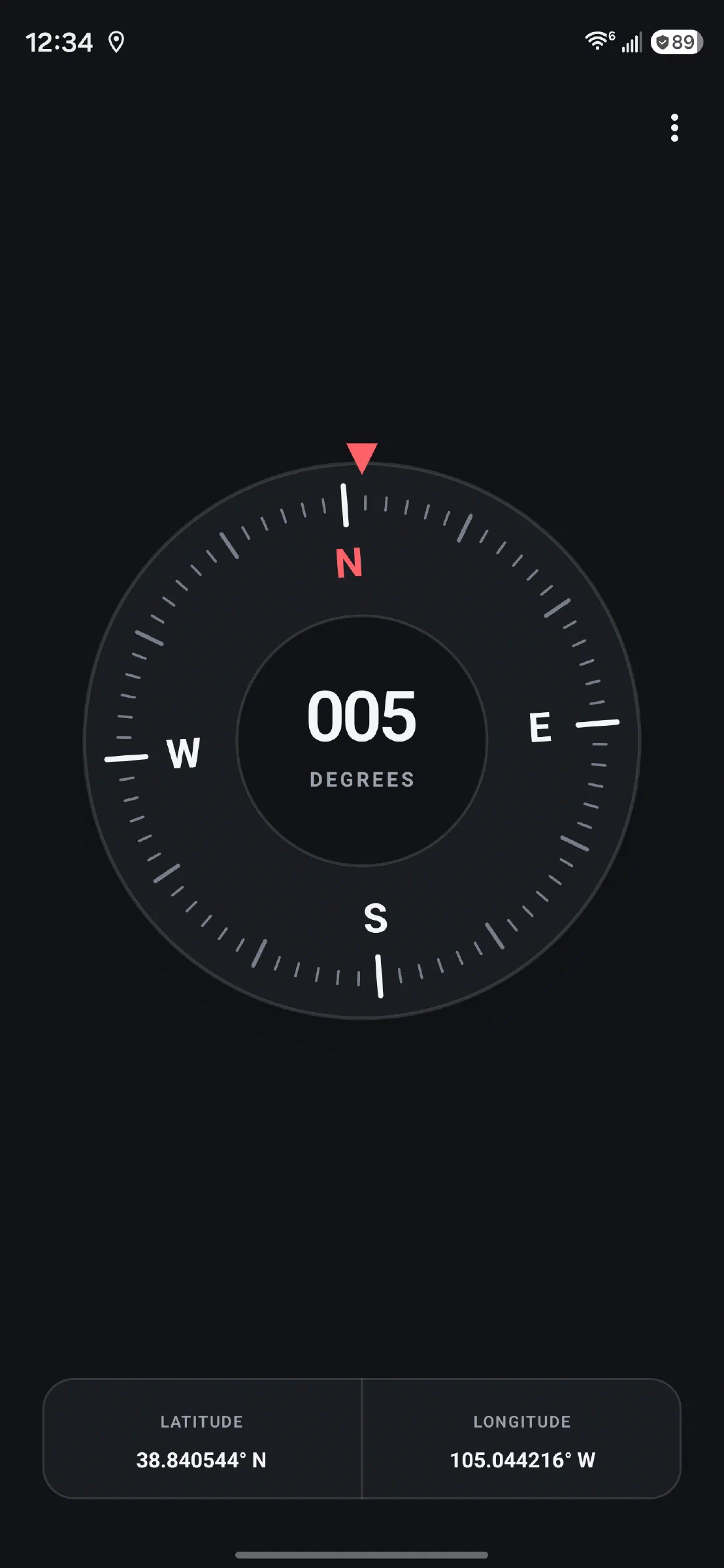
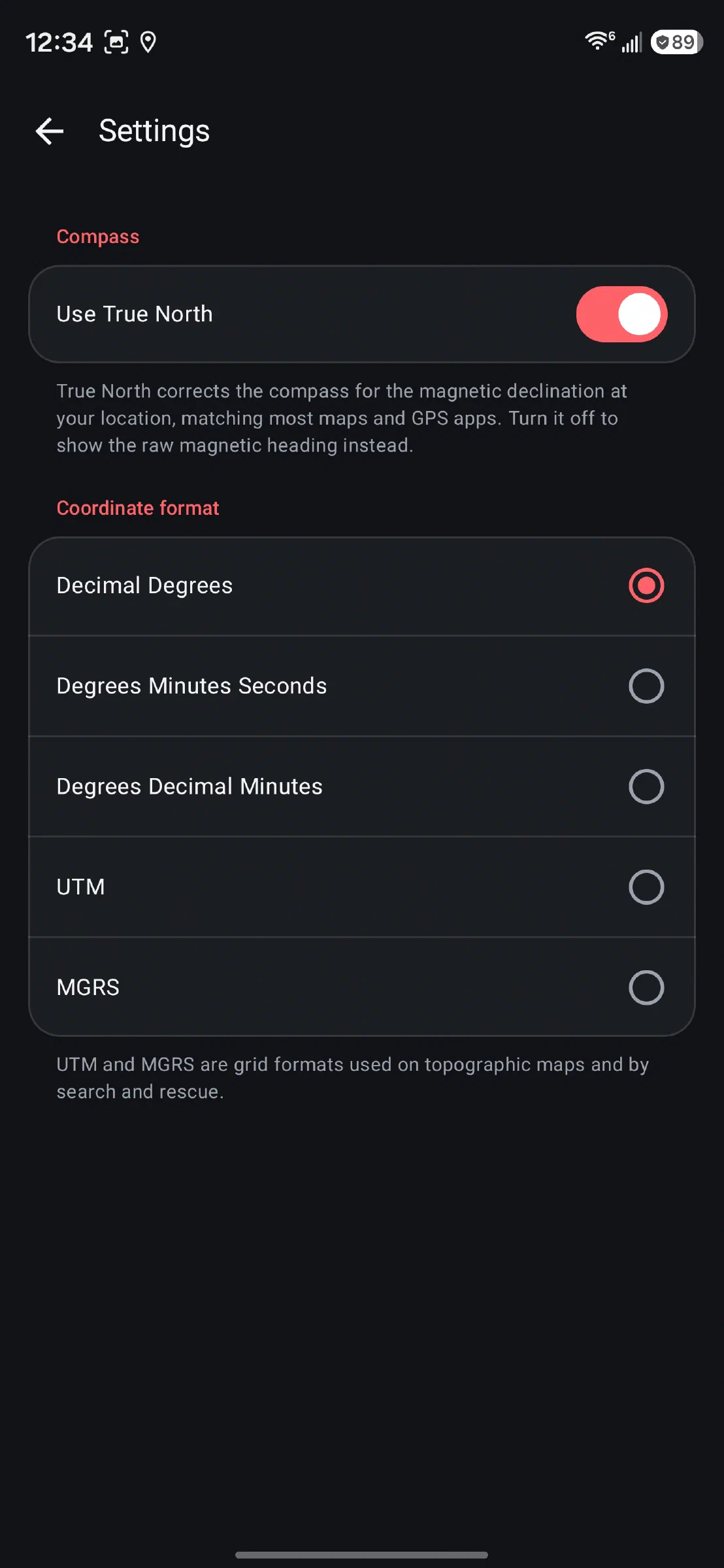
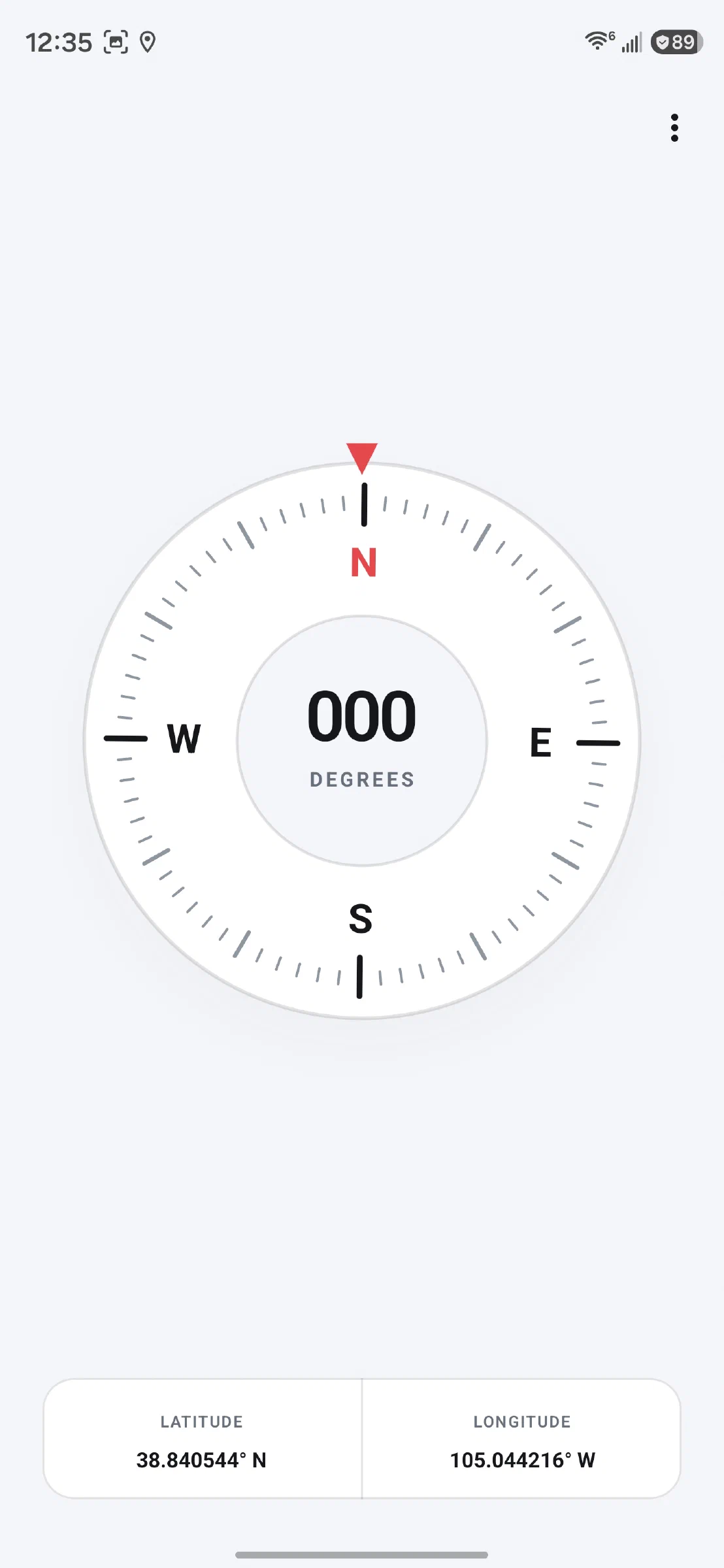
- True North or magnetic north. The app calculates the magnetic declination for your location, so the compass matches your maps and GPS apps.
- Your current coordinates in Decimal Degrees, Degrees Minutes Seconds, Degrees Decimal Minutes, UTM, or MGRS.
- Tap to copy. Tap your coordinates to copy them, ready to paste into a map or a message.
- Interference and calibration warnings. The app lets you know when there’s magnetic interference nearby or when the compass needs to be recalibrated.
Private by design
Just like this website, Four Points doesn’t track you. It doesn’t have any ads, doesn’t require any sort of account, and contains absolutely no tracking analytics. In fact, the app doesn’t even request internet access, so it couldn’t send any information anywhere, even if I wanted it to.
Since it doesn’t use a network connection of any kind, the app works fully offline.
You can read the full details in the Four Points privacy policy.
Give it a try
Four Points is completely free and works on Android 11 or newer. Your phone does need a compass (magnetometer) sensor, which most phones have. You can learn more about it on the Four Points Compass page or grab it from Google Play.
If you give it a try, I’d love to hear what you think! If you run into a problem or have an idea for the app, please feel free to get in touch with me.